From Signed Contract to Sent Invoice: An AI Paperwork Workflow That Keeps a Human in Charge
What we learned connecting AI to contracts and accounting software, and where we still make a person click "yes."
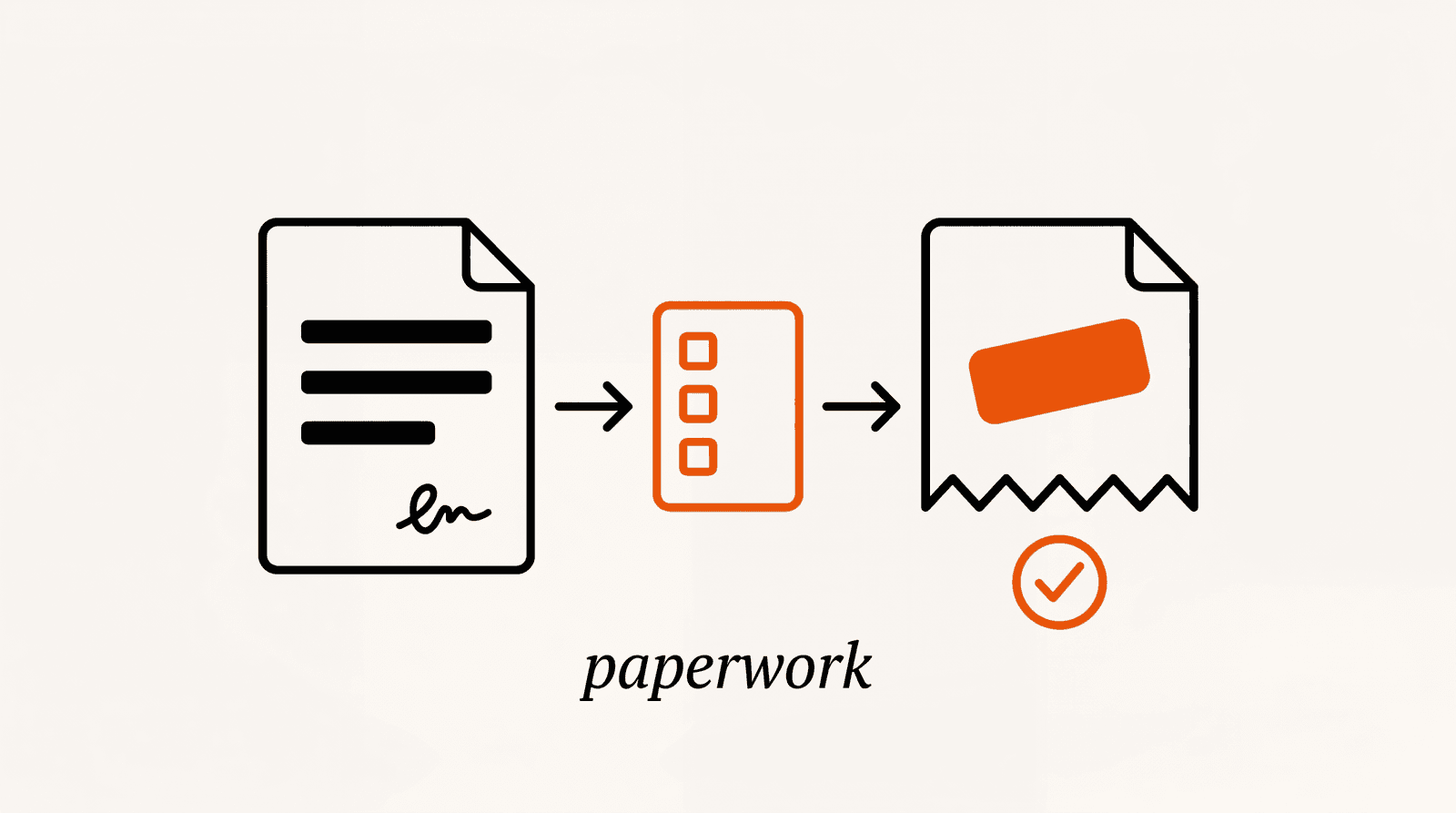
Most small firms treat a signed contract as the end of the paperwork. It's closer to the start.
A typical services agreement quietly schedules a dozen documents for later: invoices tied to milestones, acceptance sign-offs, monthly reports, a rate-review letter, maybe a notice of non-renewal a year from now. Nobody writes those down at signing. They turn up as surprises, or they don't turn up at all.
The short version of this guide: split the work into three layers. Track what each contract asks of you. Let an AI assistant draft documents from the systems where your real numbers live. And keep a named person on the approve button for anything that gets posted, signed, or sent. Below is how that fits together, plus the rules we ended up with after connecting AI to accounting software that real businesses run their books on.
The team behind PactAlert builds two products. PactAlert tracks contract obligations. Справи (Spravy) is an AI assistant plus a set of connectors that plug accounting and office software into ChatGPT and Claude, built for businesses in Ukraine. This article draws on both, and we'll say clearly which is which.
Every contract schedules paperwork you haven't written yet
Take an ordinary agency SOW or consulting agreement and read it for one question only: what document will this clause force us to produce, and when? You get something like this.
| Clause in the contract | Document it creates later | When you need it |
|---|---|---|
| "Payment due 30 days after the client accepts each milestone" | Invoice | The day the milestone is accepted |
| "Client has 5 business days to accept or reject deliverables" | Acceptance sign-off, or a note that acceptance was deemed | 5 business days after delivery |
| "Monthly performance report by the 5th" | Report | Every month, before the 5th |
| "Fees reviewed annually on the anniversary date" | Rate-change letter or amendment | Weeks before the review date, not on it |
| "Either party may terminate with 60 days' written notice" | Notice letter | 60 days before the term ends |
| "Contractor maintains professional liability insurance" | Certificate of insurance | Each time the policy renews |
Two things jump out. Every one of those documents hangs on a date the contract sets, and half the dates are relative to some other event (acceptance, delivery, the anniversary of signing). A calendar can't hold a date that doesn't exist yet.
And most of the documents need numbers the contract doesn't have. What did we already bill this client? What have they paid? How many hours went into phase two? The contract knows when and why. Your accounting system knows how much. Paperwork automation breaks down in the gap between the two, so the workflow below is built around closing it.
Layer 1: turn the contract into dated obligations
Read the contract once, properly, at signing. For every obligation, write down what it is, who owns it, the date it's due, and the last date you can still act on it. That last one is usually a notice date, and it's the one people miss (we wrote a whole piece on why the notice period matters more than the renewal date).
You can do this by hand. Our obligation tracking playbook lists the sections and keywords to search for, and it takes about 45 minutes per contract. That's fine for five contracts. At thirty it stops happening.
This is the layer PactAlert handles. You upload the contract (or pull it from DocuSign or Google Drive), the AI proposes obligations sorted into six types: notice periods, retainer renewals, deliverables, review dates, payment terms, and SLA commitments. You review them, edit or throw out what's wrong, and approve. Alerts are timed to the notice date, and the obligations can land as tasks in Jira, Trello, or Notion.
The review step is there on purpose. Our extractor is tuned to over-find rather than miss things, so a person removes the false positives before anything goes live. Keep that idea in mind, because it comes back in layer 3 with higher stakes.
Layer 2: let the AI read the systems where the numbers live
Here's where most "AI for paperwork" setups go wrong. Someone pastes a contract into ChatGPT and asks for an invoice. The model writes a tidy invoice with amounts it inferred, or simply made up, because it has no idea what was actually billed, paid, or delivered.
The fix is to give the assistant read access to your system of record. The standard way to do that today is MCP, the Model Context Protocol. It's an open protocol that lets assistants like ChatGPT and Claude call tools inside other software. An MCP server sits between the assistant and, say, your accounting database. You ask a question in plain words, the assistant calls the server, and the server returns figures from the books instead of guesses.
This is the part we know from the inside. Справи, the other product our team builds, includes our MCP servers for accounting software: BAS and 1C, M.E.Doc (the system Ukrainian companies use to file tax reports), Odoo, Proton Drive, and Microsoft 365. They're built for the Ukrainian market, so they may not match your stack. The design lessons carry over to whatever accounting or ERP connector you end up using.
What does reading look like in practice? These are the kinds of questions directors ask through those connectors:
- "Which customers owe us the most?"
- "Did the tax office accept our September reports?"
- "Which orders from this week are not shipped yet?"
None of them is impressive on its own. The point is the answer comes back in seconds with numbers from the books, without calling the accountant, and the accountant keeps working in the same software as before. Once the assistant can read the books, "draft the phase two invoice and check what we've already billed this client" becomes a safe request. Which brings us to writing.
Layer 3: drafts, approvals, and the six rules we ended up with
Reading is the easy half. The moment an assistant can write (prepare an invoice, post a document, move a meeting and email the client about it), you need rules. These are the ones we settled on while building connectors that touch real books. None of them is clever. All of them came from asking "what's the worst thing this could do on a bad day?"
The AI drafts. A person with the right says yes.
When the assistant prepares a goods receipt in BAS, it exists only as a draft. Someone with posting rights sees exactly what will be posted, says yes, and only then does the document appear in the books. The log records who approved it. Email works the same way: the assistant shows the draft, who it goes to and what it says, and nothing leaves until you confirm.
You can see the whole flow, including the role table below, on the BAS connector page.
Some actions stay out of reach, by design
The M.E.Doc connector can prepare a document, but it can't sign it or submit it to the tax office, and it never sees the e-signature keys. That isn't a setting someone could switch on by accident. The operations simply aren't exposed. For a services firm, the equivalent is this: your assistant should have no path to e-signing a contract or sending a binding notice on its own.
The AI gets the permissions of the person it works for, never more
In Odoo, the assistant has exactly the user's rights. In BAS, access is set per person and per section, and payroll is closed to new people from the start. A quick test: if the intern can't open the payroll report, the intern's AI can't either.
| Can see | Sales | Money | Taxes | Stock | Payroll |
|---|---|---|---|---|---|
| Director | Yes | Yes | Yes | Yes | Yes |
| Chief accountant | Yes | Yes | Yes | Yes | Yes |
| Accountant | Yes | Yes | Yes | Yes | No |
| Sales manager | Yes | No | No | Yes | No |
| HR officer | No | No | No | No | Yes |
Default roles in the Справи BAS connector. The owner changes them per person.
Reads come from a fixed list of reports, not improvised queries
The BAS connector answers from a vetted catalogue of 47 reports. The AI picks from that list. It doesn't write its own database queries. It's less flexible, and that's deliberate: the same question gets the same numbers on Monday and on Friday, and you know which report every figure came from.
Edits create a new version. Nothing gets overwritten.
Ask the Proton Drive connector to change the start date in a contract to November 1, and you get a new version of the same file. The old one stays in the file history. If the AI misread you, you restore the old version.
Log who asked what, and keep the data where it was
The accounting database stays on the client's own computer, and we keep no copy. Our log shows who asked what, but not the numbers that came back. Everyone signs in with their own login, so "the AI did it" always traces back to a person.
Let the AI read freely within a person's permissions. Let it draft anything. Make every change that affects money, a client, or a regulator wait for a named person to approve it.
A worked example: one milestone, from clause to cash
Here's how the three layers fit together on a typical agency engagement. The firm and the numbers are invented. The steps are the ones we'd set up.
The SOW says: phase two (the website build) is delivered by November 14. The client has five business days to accept. $12,000 is invoiced on acceptance, payable in 30 days. A monthly retainer follows, and either side can end it with 60 days' written notice.
Signing day. The SOW goes into PactAlert. It pulls out the November 14 deliverable, the payment term, and the retainer's notice period. The project lead spends five minutes reviewing and approving them, and the tasks show up in the team's Jira.
November 14. Phase two ships. The five-day acceptance window starts, and the account manager chases the sign-off before it lapses rather than after.
November 19. The client accepts. The account manager asks the assistant: "Draft the phase two invoice for this client per the SOW, and tell me what we've billed them so far this year." The assistant reads the billing history through the accounting connector and prepares a draft invoice inside the accounting system.
Same afternoon. Whoever owns finance opens the draft, checks $12,000 against the SOW, and approves. Only now is the invoice posted and sent.
December 19. Payment is due. If the money hasn't arrived, the assistant can answer "who owes us the most?" from the books, and someone sends a reminder.
Months later. The retainer's notice window opens, and the alert arrives while there's still time to raise the rate or renegotiate scope, instead of on the day the retainer quietly renews at last year's price.
Count the human decisions: approve the extracted obligations once, get the client's sign-off, approve the invoice. Three decisions, a few minutes each. Everything else is reading and drafting, which is what AI does well.
What we wouldn't hand to an AI
Signing anything, for a start. Sending a termination or non-renewal notice without a person reading it. Replying to a client who disputes what's in scope; that's a judgment call about the relationship, and the contract wording matters more than speed (our guide to preventing scope creep covers the clauses that settle those arguments before they start).
We also wouldn't let an assistant produce any number that doesn't come from a system. If the figure isn't in the contract or the books, the draft should say so and stop.
And we wouldn't skip the review of extracted obligations, however good the extraction looks. AI reads contracts well and still misses things: a notice period defined in an appendix, a payment term that points to another document. The review step exists because of that, not as a formality.
Where to start this week
Pick your three busiest client contracts. Using the table at the top, list every document each one will make you produce in the next 90 days.
Extract the obligations from those three, by hand with the playbook or with PactAlert's free plan (three contracts, no card).
Check whether your accounting software has an MCP connector or a public API. If it does, start read-only, with questions like "what has this client been billed this year?"
Before you switch on any write access, write down who approves what. One name per document type.
None of this needs an enterprise CLM or a six-month rollout. It needs the contract dates in one place, the numbers in another, an assistant that can read both, and a rule about who clicks yes.
Start with the contract layer.
PactAlert pulls every obligation out of your contracts and alerts you while you can still act. Free for 3 contracts.
Start free