Contract Obligation Tracking: The 2026 Playbook
What obligations actually are, why they cost you 9% of revenue, and how to track them without enterprise software.
Here's a question that makes most founders uncomfortable: what exactly did you agree to in that contract you signed six months ago?
Not the renewal date. Not the price. What are you obligated to do? What deadlines are you supposed to hit? What reports are you supposed to send? What happens if you don't?
If you're drawing a blank, you're in good company.
of organizations lack full visibility into their contractual obligations
Source: World Commerce & Contracting
of annual revenue lost to poor contract management on average
Source: WCC/PwC
This guide is the resource I wish existed when I was trying to figure out obligation tracking for a 30-person team. We'll cover what obligations actually are (with examples from real contracts), why most tracking systems fail, and three different approaches depending on your company size and budget.
What Contract Obligations Actually Are
Let's clear something up first. Obligations aren't just dates. They're actions you're required to take.
A renewal date tells you when a contract ends. An obligation tells you what you have to do before then. Big difference. Here are the main categories with examples from real contracts:
Financial Obligations
What you owe and when you owe it.
- Payment terms: "Net-30 from invoice date"
- Penalty clauses: "Late fee of 1.5% per month on overdue balances"
- Minimum spend: "Customer commits to minimum annual spend of $50,000"
Delivery Obligations
Work you're supposed to deliver or receive.
- Project milestones: "Phase 1 deliverables due by March 15"
- Reporting: "Monthly progress reports due by the 5th of each month"
- Client SOW items: "Final designs submitted within 14 business days of brief approval"
Compliance Obligations
Rules you have to follow.
- Data handling: "Delete all user data within 30 days of termination"
- SLA reporting: "Provide quarterly uptime reports to customer"
- Insurance: "Maintain professional liability coverage of at least $1M"
- Audit cooperation: "Provide access to records within 10 business days of request"
Temporal Obligations
The deadlines everyone misses. These are the expensive ones.
- Notice periods: "60-day written notice required before cancellation"
- Review dates: "Annual price review in Q3"
- Renewal deadlines: "Opt-out notice must be received by November 1 or contract auto-renews"
Now look at that list and ask yourself: how many of those are sitting in your contracts right now, untracked?
Why Most Companies Lose 9% of Revenue on This
There's a gap between signing a contract and actually doing what it says. Contracts get signed and then... filed. Or emailed. Or stuffed into a DocuSign folder nobody opens again.
Meanwhile, the obligations in those contracts don't care that you forgot about them. Here's what that looks like in practice:
Scenario 1: The $24K Renewal Surprise
A 40-person startup signed a $2,000/month analytics tool. One-year term with 60-day notice period and auto-renewal. Someone set a calendar reminder for the renewal date. By the time it popped up, they were already 60 days too late. Locked in for another year on a tool nobody was using anymore. $24,000 gone.
Scenario 2: The SLA Reporting Penalty
A B2B SaaS company had a contract requiring quarterly SLA reports to a client. They forgot. For three quarters. The client invoked the penalty clause. $15,000 in fees and a damaged relationship that took months to repair.
Scenario 3: The Data Deletion Lawsuit
A consulting firm's contract required deleting client data within 30 days of project completion. They didn't. Eighteen months later, a data breach exposed the data that should have been deleted. Breach of contract. Lawyers got involved.
Scenario 4: The Missed Deliverable
An agency signed a client SOW with milestone dates. Project got busy. Nobody tracked the SOW deadlines against the actual project timeline. Missed deadline. Renegotiation. Revenue at risk. The client didn't renew.
Every one of these came down to the same root cause: obligations trapped in signed PDFs while work happened somewhere else.
40% of organizations are unclear on who owns contract-related tasks. The contract says "Customer shall provide monthly reports." But who at your company is actually responsible? Where does that task live? When does it get done?
Source: Juro
The 3 Levels of Obligation Tracking
Not every company needs enterprise software. Here are three approaches, matched to where you are right now.
Level 1: Spreadsheet
Best for: <15 contracts, one person managing everything
The classic. Columns for contract name, obligation type, deadline, owner, status, notice period date. Rows for each obligation.
Pros:
- Free
- Flexible
- You already know how to use it
Cons:
- Manual entry for everything
- No alerts
- Breaks at 15+ contracts
- Nobody updates it
Verdict: Fine to start. You'll outgrow it. We have a free template that calculates notice deadlines automatically. Or try our free Contract Tracker tool — no signup, exports to calendar.
Level 2: Calendar + Email Reminders
Best for: 15-30 contracts, some process maturity
Google Calendar events for deadlines. Slack reminders. Maybe some email automation. A step up from the spreadsheet.
Pros:
- Better than nothing
- Alerts actually exist
- Uses tools you already have
Cons:
- Still manual extraction (you read every contract)
- No ownership assignment
- No task tracking
- Alerts get buried in inbox
Verdict: Works until it doesn't. The calendar reminder fires, but then what? There's no task. No owner. No status tracking.
Level 3: Automated Extraction + Task Creation
Best for: 30+ contracts, growing teams
Upload a contract. AI extracts the obligations. Tasks get created in Jira, Notion, or Trello with deadlines and assignees. No manual reading required.
Pros:
- Scales to 100+ contracts
- Notice period intelligence (not just renewal dates)
- Obligations live where work happens
- Ownership and status tracking built in
Cons:
- Newer category
- Requires tool investment ($29-129/mo)
Verdict: This is what PactAlert does. It's the middle ground between "spreadsheet chaos" and "$50K enterprise CLM."
average time spent tracking expiration dates manually
Source: ExpirationReminder
How to Extract Obligations from Any Contract
Whether you're doing this manually or using AI, here's what to look for:
The Manual Method (45+ minutes per contract)
Open the contract PDF. Search for these sections and terms:
Sections to find:
- Term and Termination
- Payment Terms
- Obligations / Responsibilities
- Service Level Agreement
- Data Handling / Privacy
- Notice Provisions
- Liability / Indemnification
Keywords to search:
- "shall" / "must" / "will"
- "within X days"
- "by [date]"
- "notice" / "notify"
- "terminate" / "cancel"
- "renewal" / "auto-renew"
- "report" / "provide"
For each obligation you find, record: what the obligation is, who owns it, when it's due, and what happens if you miss it.
Now multiply that by 30 contracts. That's 22+ hours of reading. And you have to do it again every time you sign something new.
The AI Method (minutes per contract)
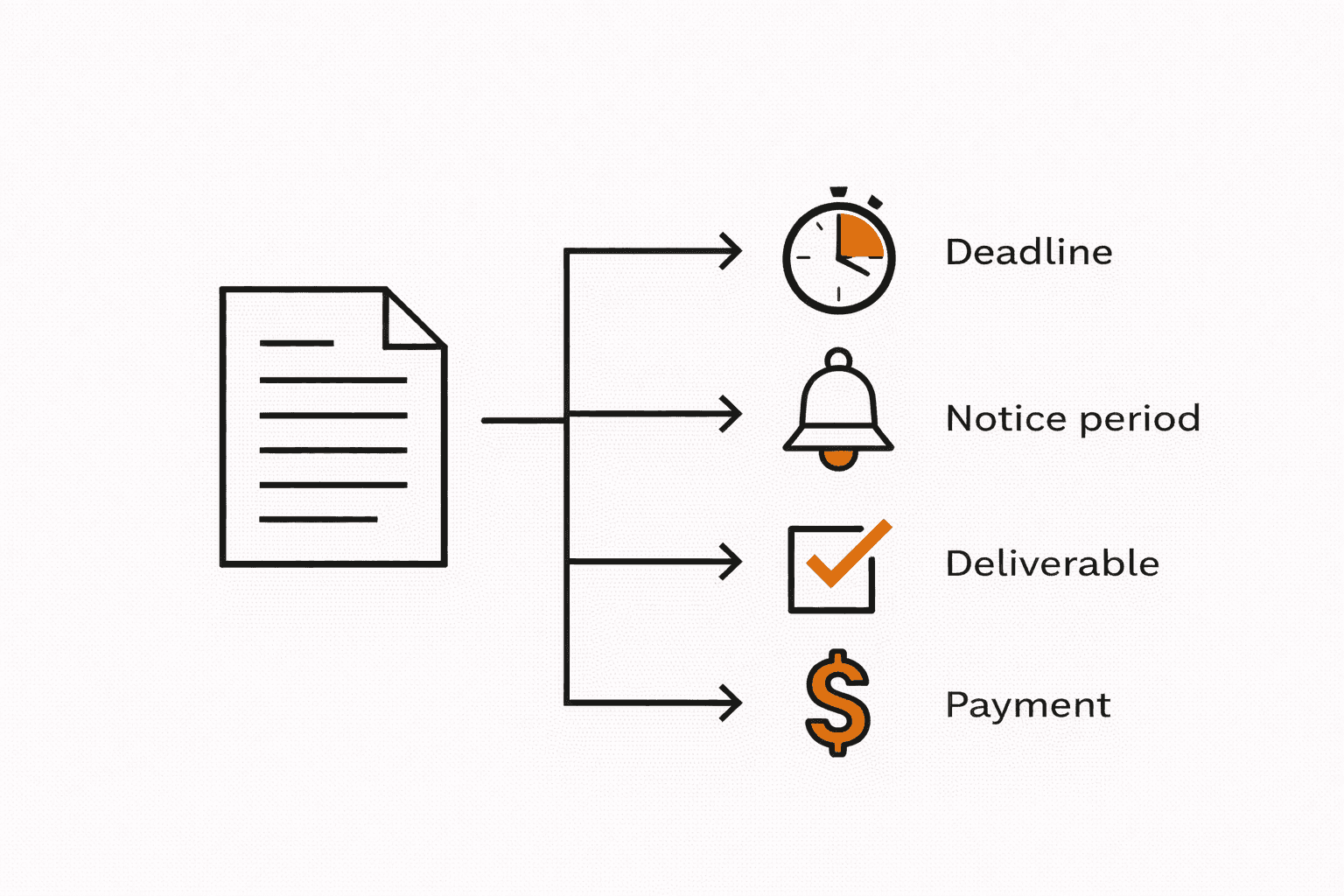
Upload the PDF. AI reads every clause and identifies obligation types: deadlines, notice periods, deliverables, payment terms, compliance requirements, review dates.
You review what it found, make edits if needed, approve. Done. Tasks appear in your PM tool with deadlines and assignees already set.
Connecting Obligations to Where Work Actually Happens
Here's the thing about most contract management tools: they put obligations in a dashboard nobody checks.
Your team lives in Jira. Or Notion. Or Trello. That's where work gets done, tasks get assigned, statuses get updated. If contract obligations don't live there, they might as well not exist.
The "obligation-to-task" workflow should look like this:
Extracted obligation: "60-day written notice required before cancellation"
Task created: "Review SaaS Tool renewal - decide keep/cancel/renegotiate"
Due date: Set to notice period deadline (not renewal date)
Assigned owner: The person responsible for making the decision
Status tracked: Upcoming → Action Needed → In Progress → Completed
Escalation if overdue: Notify manager, flag in standup, don't let it slip
This is why the "track renewal dates in a calendar" approach fails. A calendar reminder doesn't become a task. It doesn't have an owner. It doesn't have a status. It's just noise in an already-full inbox.
Building Your System (Step by Step)
Whether you're starting with spreadsheets or going straight to automation, here's the process:
Inventory your contracts
Start with a list. Every vendor contract, client agreement, lease, employment agreement. Check DocuSign, email, Google Drive, that one folder on someone's desktop. You probably have more than you think.
Prioritize by risk
Not all contracts are equal. Start with: high-value contracts (>$10K/year), contracts with upcoming renewal dates, contracts with known compliance requirements. Extract those first.
Extract obligations
Either manually (using the sections and keywords above) or via AI. For each obligation: what is it, who owns it, when is it due, what's the consequence of missing it.
Create tasks with owners
Every obligation becomes a task in your PM tool. Assign an owner. Set the due date to the action deadline (notice period), not the renewal date. Add context: link to contract, what decision needs to be made.
Set up recurring review
Weekly or biweekly: review upcoming obligations. Monthly: audit the full list. Quarterly: check for new contracts that haven't been extracted yet.
Make it automatic (optional but recommended)
Upload new contracts → obligations extracted → tasks created → owners assigned → alerts set. No manual work per contract. This is what Level 3 looks like.
on-time obligation compliance with automated tracking
vs. 78% who fail to track obligations systematically
The Bottom Line
Obligation tracking isn't sexy. Nobody gets excited about reading contract clauses and setting up Jira tasks.
But neither is explaining to your CEO why you're locked into a $24,000 tool nobody uses. Or why the client is invoking a penalty clause you didn't know existed. Or why the data that should have been deleted six months ago just showed up in a breach report.
The companies that don't lose 9% of revenue on this aren't smarter. They just have a system. Whether that's a well-maintained spreadsheet, a calendar workflow, or automated extraction, the point is the same: obligations need to become tasks, tasks need owners, and owners need deadlines they can actually act on.
That's the whole playbook.
Ready to stop losing money on missed obligations?
PactAlert extracts obligations from your contracts and creates tasks in Jira, Notion, or Trello. No more spreadsheet chaos.
Start free